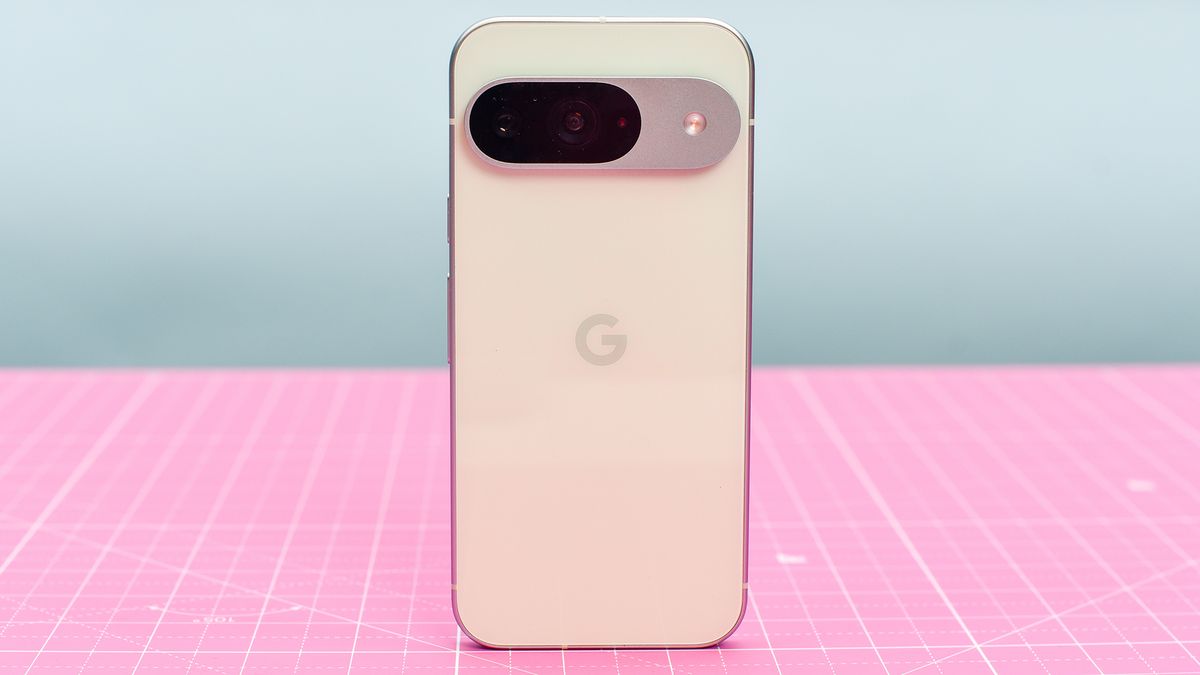
Google is setting the stage for an exciting update with Android 16, rolling out new features that are poised to enhance the functionality and user experience of Pixel devices and beyond. As we delve into the second beta release of Android 16, it's clear that this update will bring a mix of professional-grade tools and convenient everyday features that could transform how we interact with our devices.
A Fresh Take on Mobile Photography: Advanced Camera Tools Arrive
Android 16 introduces an array of new camera functionalities, especially targeting professional users. The update includes a novel hybrid auto-exposure mode which provides a balance between manual and automatic settings by allowing manual adjustments to ISO and exposure time while the system manages overall exposure. This feature is perfect for those who want more control without the complexity of fully manual modes. Additionally, the update brings support for Ultra HDR images and a new API that enables third-party apps to automatically switch to night mode when required, enhancing photo quality under low-light conditions. Videographers can also look forward to the inclusion of the Advanced Professional Video codec, along with refined controls for temperature and tint in video recording. These upgrades promise to make the Android camera experience more versatile and professional.Quick Access Redefined: Google Wallet's New Shortcut
In the realm of convenience, Android 16 Beta 2 introduces a quick shortcut to Google Wallet. Users can now access their digital wallet by double-pressing the power button — a feature that replaces the traditional camera shortcut. This change aims to streamline transactions, making payments quicker and reducing the time spent navigating through apps. It’s a small tweak that could significantly speed up point-of-sale interactions, making this feature a standout addition for anyone who frequently uses their phone for payments.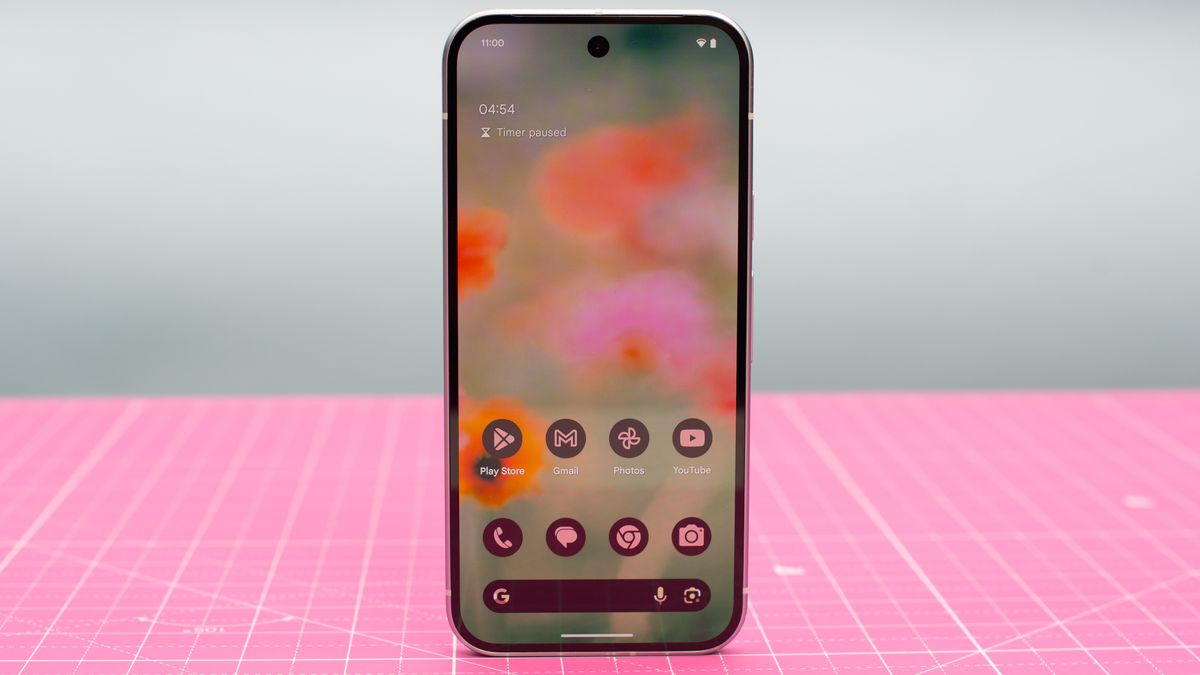
Enhancing Large Screen Experiences: Smarter App Resizing
For users of folding phones and tablets, Android 16 is set to improve how apps resize on larger screens. The update removes restrictions on screen size and orientation for apps, enabling them to better utilize the available display area. This enhancement is expected to deliver a more seamless and effective use of screen real estate, providing a boost to productivity and entertainment on large-format Android devices.Stay Updated on the Go: Introducing Live Updates
Another exciting feature coming with Android 16 is Live Updates. This new notification system is designed to keep users informed about real-time events directly from the lock screen. Whether it’s tracking a ride-share, monitoring a food delivery, or following turn-by-turn navigation, Live Updates ensure that you have all the essential information at your fingertips. This feature is set to rival Apple’s Live Activities by offering a dynamic and interactive way to stay connected with what's happening in real-time.Expanding AI Capabilities: Gemini Extensions
Lastly, Android 16 hints at broader applications for Gemini Extensions, which first appeared on the Samsung Galaxy S25 series. These extensions enhance Google’s AI assistant's ability to interact with and utilize other apps on the phone, paving the way for more complex and integrated tasks. While details are still sparse, the potential for Gemini to handle tasks like creating and saving shopping lists directly in Samsung Notes is an indication of the sophisticated AI interactions that Android users can look forward to.