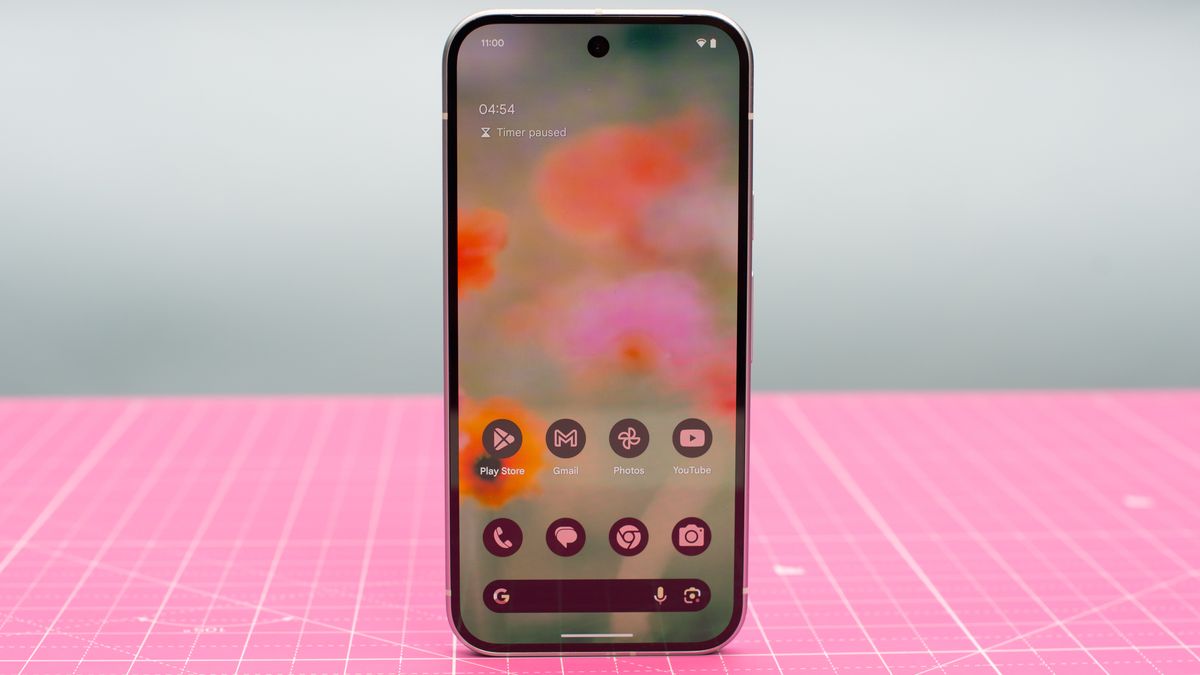
Android enthusiasts have a lot to be excited about with the latest release of Android 16 Beta 3. As we edge closer to the stable release expected in June, this iteration provides a critical look at the ongoing enhancements to the Android user interface, particularly the Quick Settings and notifications panels.
Refined User Experience with Enhanced Quick Settings
Android 16 Beta 3, dubbed the Platform Stability release, hints at what users can anticipate in the upcoming stable update. Despite expectations being set for no major changes before the final release, the latest beta reveals significant improvements that could transform how users interact with their devices daily.The Evolution of Quick Settings and Notifications
Google's initiative to revamp Android's Quick Settings and notifications panels has been in the spotlight since last September. The tech giant aims to segregate these elements into distinct pages. This architectural change is intended to provide more room for both notifications and Quick Settings tiles, enhancing accessibility and usability. One of the most notable updates in Beta 3 is the introduction of resizable Quick Settings tiles. This flexibility allows users to adjust tile size to accommodate more icons simultaneously, thereby optimizing screen real estate and enhancing the interface's aesthetic and functional appeal.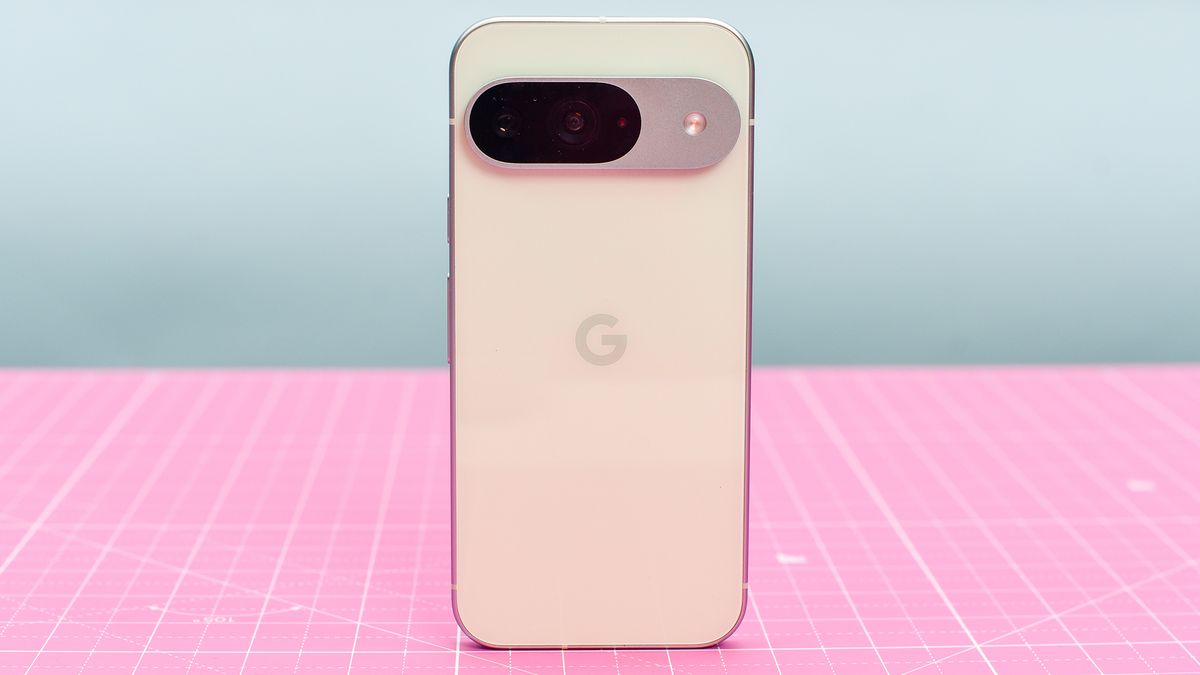
Media Player Integration and Navigation Updates
A standout feature in the latest beta is the repositioning of the media player, which now takes a prominent place at the top of the Quick Settings panel. This strategic placement ensures users can easily access their media controls without toggling between menus. Moreover, Google has introduced two innovative navigation options to enhance user interaction with the dual panels. Users can now switch between the notifications and Quick Settings panels using simple taps on chips located at the top of the screen or through new swipe gestures. Swiping down on the left side opens notifications, while the right side brings up Quick Settings.Addressing Usability Concerns
While these updates are promising, they come with a learning curve. The new swipe gestures, for example, might confound users accustomed to different interaction models used by other Android-based systems, where lateral swipes are more common. Google's choice to use vertical swipes could require a period of adjustment for some users.