Samsung's latest software update, One UI 7, launched alongside the highly anticipated Galaxy S25 series, is set to revolutionize the way Galaxy users interact with their smartphones. Building on its robust foundation, Samsung has infused One UI 7 with innovative features that cater to the needs of its diverse user base. Here’s a detailed look at the standout features that every Samsung enthusiast should explore.
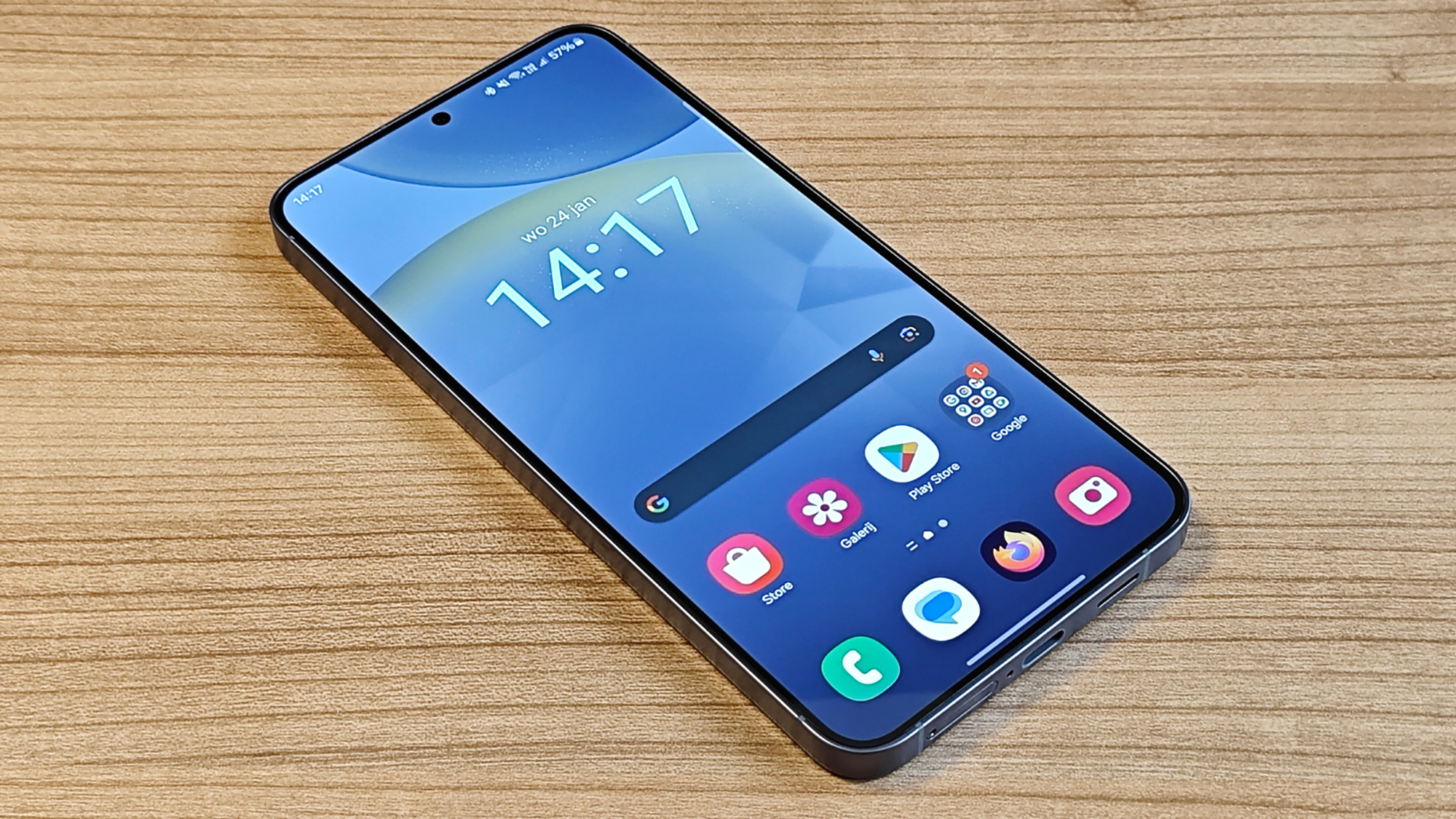
Experience Enhanced Interactivity with the Now Bar
One of the highlights of One UI 7 is the introduction of the Now Bar, a dynamic lock screen widget designed to enhance user interactivity without cluttering the screen. Resembling Apple's Dynamic Island in functionality but exclusive to Samsung apps, the Now Bar smartly displays live information such as music playback status and stopwatch timers. It appears only when necessary, integrating seamlessly between lock screen shortcuts and utilizing machine learning to suggest relevant actions based on your usage patterns.Refined User Interface with Separated Notification Shade and Quick Settings
Samsung has reimagined the user interface in One UI 7 by separating the notification shade from the quick settings menu. This innovative design choice not only declutters the visual space but also enhances usability. A simple swipe down now reveals notifications, while quick settings are accessed via a swipe from the top right of the screen. This separation allows for larger, more legible notifications and an increase in quick settings toggles, improving overall accessibility and ease of use.Customization at Your Fingertips
In One UI 7, personalization takes center stage. The update offers a more customizable user interface, allowing users to tailor their devices to their liking. From an enriched color palette that brings a fresh vibrancy to the interface to adjustable lock screen widgets and clock styles, users can now set up their phones to reflect their personal style more accurately. The addition of a vertical app drawer, reminiscent of the layout found on Pixel devices, provides a familiar yet refined navigation experience.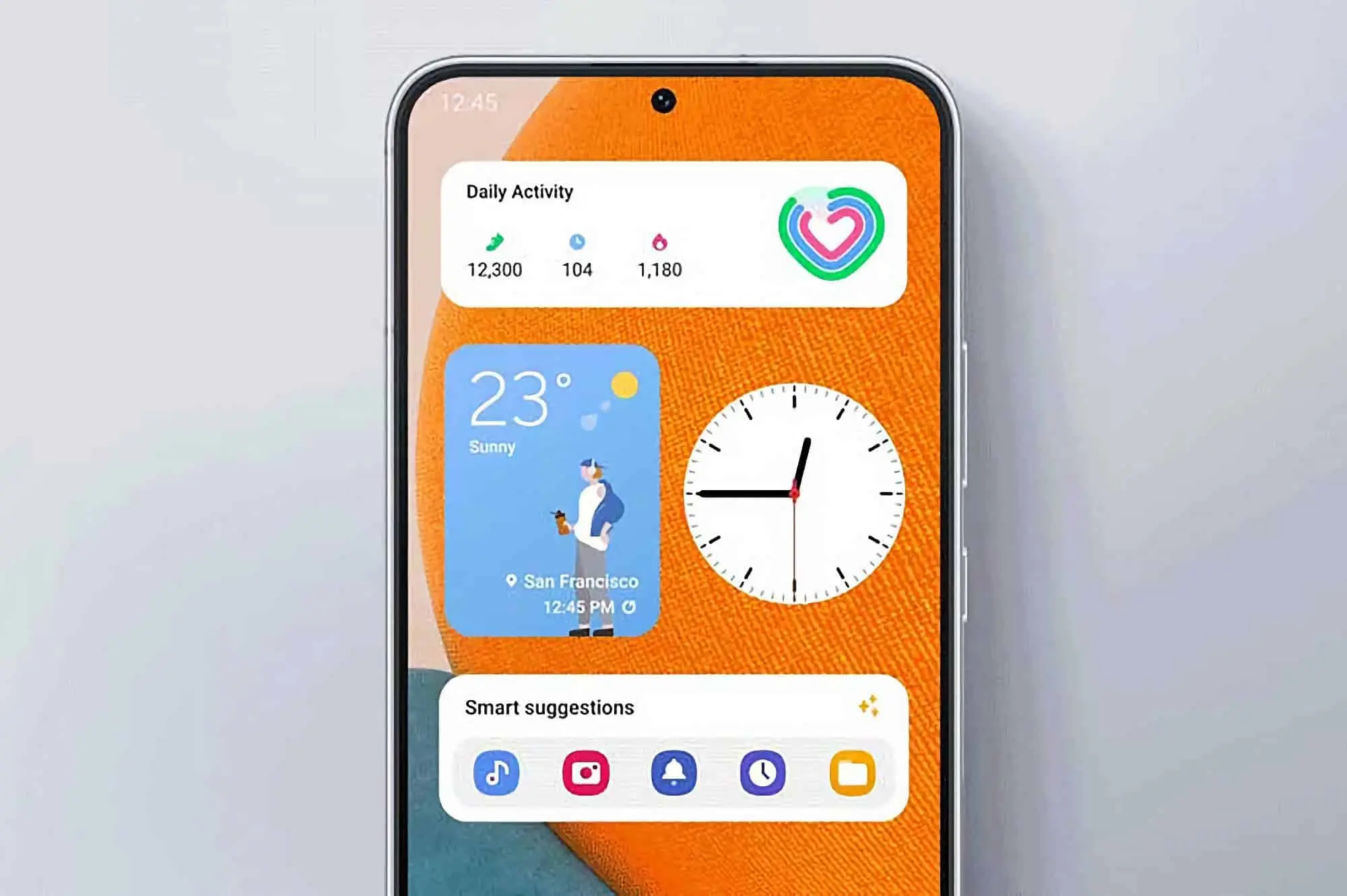
Clutter-Free Notifications with Smart Filters
To address the ever-growing issue of notification overload, One UI 7 introduces an intelligent filtering system that helps users focus on what matters most. Located within the settings menu, the Filter notifications feature allows you to manage less relevant alerts effectively, keeping your notification panel clean and organized. This tool is particularly useful for managing notifications that might otherwise disrupt your day-to-day activities, ensuring that important information remains front and center.Global Access to Good Lock
Good Lock, Samsung's comprehensive customization suite, has been expanded with more features and is now available globally with One UI 7. This update allows users worldwide to personalize their devices extensively—from adjusting home screen layouts to customizing app icons. The flexibility offered by Good Lock is unparalleled, providing tools that cater to the most detailed-oriented users.Adaptive Charging for Optimal Battery Health
One UI 7 also introduces several adaptive charging options to help extend the lifespan of your device's battery. Users can choose from settings that limit the charge to 80%, cycle the charge between 95% and 100%, or allow the phone to select a charging pattern based on the user's sleep schedule. These options are designed to reduce battery wear over time, making them ideal for users who plan to keep their devices for extended periods.