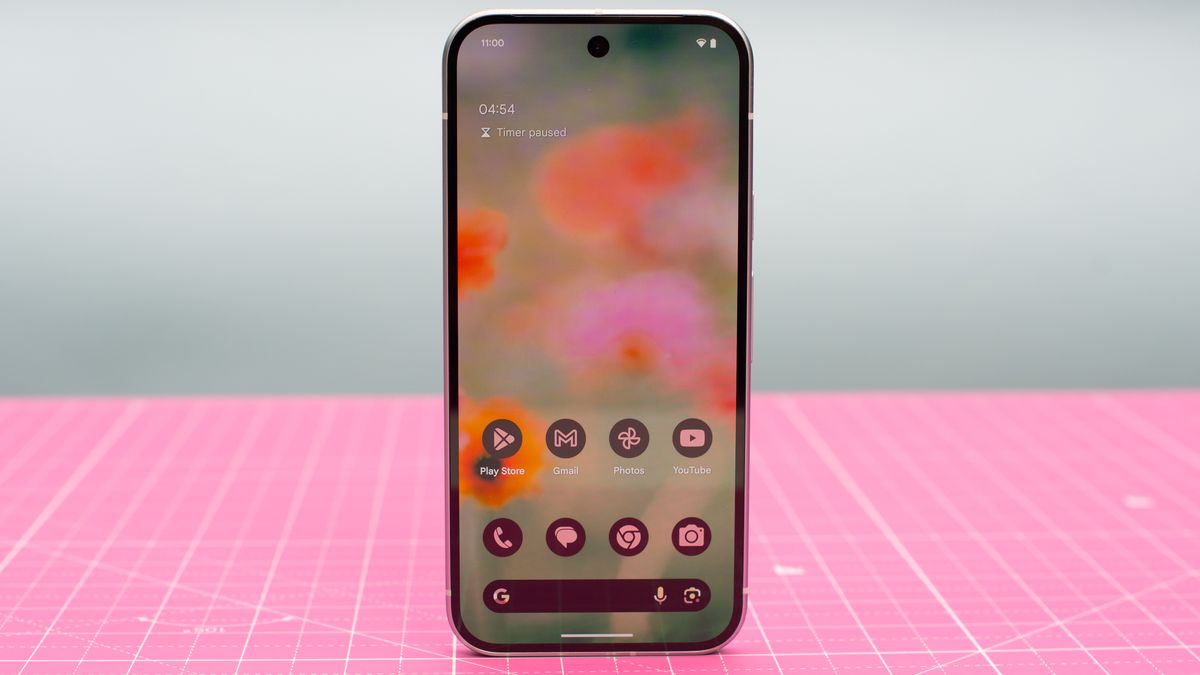
Google has officially rolled out Android 16 Beta 1, marking a significant step forward for users of Pixel smartphones. From the Pixel 6 to the latest Pixel 9 series, including the Pixel Fold and Pixel Tablet, users can now experience firsthand the enhancements that Android 16 brings to the table. Here's what you need to know about the new features and how you can get your hands on this latest update.
Enhanced Screen Adaptability: A Focus on Foldables and Tablets
With the rise of foldable devices and a resurgence in tablet use, Android 16 is setting a new standard for app adaptability across diverse screen sizes. This update introduces crucial optimizations that allow apps to function seamlessly on larger screens without the previous restrictions on screen orientation and aspect ratios. This move is expected to significantly improve the user experience on devices like tablets and foldables, where users have often faced frustration due to poorly optimized apps.Live Updates: Keeping Users Informed in Real-Time
Android 16 Beta 1 introduces Live Updates, a feature that mirrors Apple’s Live Activities, providing high-priority notifications that remain visible on the lock screen. This feature ensures that important updates, such as flight times, delivery statuses, or directions, are prominently displayed, reducing the clutter of non-essential notifications. Live Updates aim to enhance the user experience by ensuring that critical information is readily accessible without needing to unlock the device.Advanced Professional Video Support Through Samsung Collaboration
Continuing their close collaboration, Google and Samsung have integrated the Advanced Professional Video (APV) codec into Android 16, providing native support for high-end video recording capabilities. This integration enables professional-grade video quality with features like YUV 4:2:2 color sampling and 10-bit encoding, catering to both professional videographers and enthusiasts who demand the highest quality video from their mobile devices.
Predictive Animations and Smarter Navigation
Android 16 also brings enhancements to the system's animations and navigation controls. Predictive animations have been extended beyond system navigation to include transitions across all apps, improving the fluidity and responsiveness of the user interface. Additionally, the update enhances the traditional 3-button navigation by introducing previews that show the outcome of navigation actions before they are fully executed, enhancing the usability for those who prefer this style of navigation.Expanding Gemini AI Integrations
The new beta also hints at broader integrations with Gemini AI, building on the initial announcements made with Samsung’s Galaxy S25. These extensions are expected to enhance the functionality of Android across more devices and apps, although specific details remain under wraps.How to Download Android 16 Beta 1
For Pixel owners eager to try out these new features, Android 16 Beta 1 is available through the Android Beta Program. Users can sign up by visiting Google’s official beta website, where they can check their account for eligible devices. The stable release of Android 16 is scheduled for the second quarter of the year, promising further enhancements and refinements.