Google recently confirmed a significant error that led to the unintended deletion of user data, notably affecting Google Maps Timeline users. This incident, although corrected for some, underscores the fragility of digital data management and the importance of maintaining secure backups.
The Data Deletion Incident
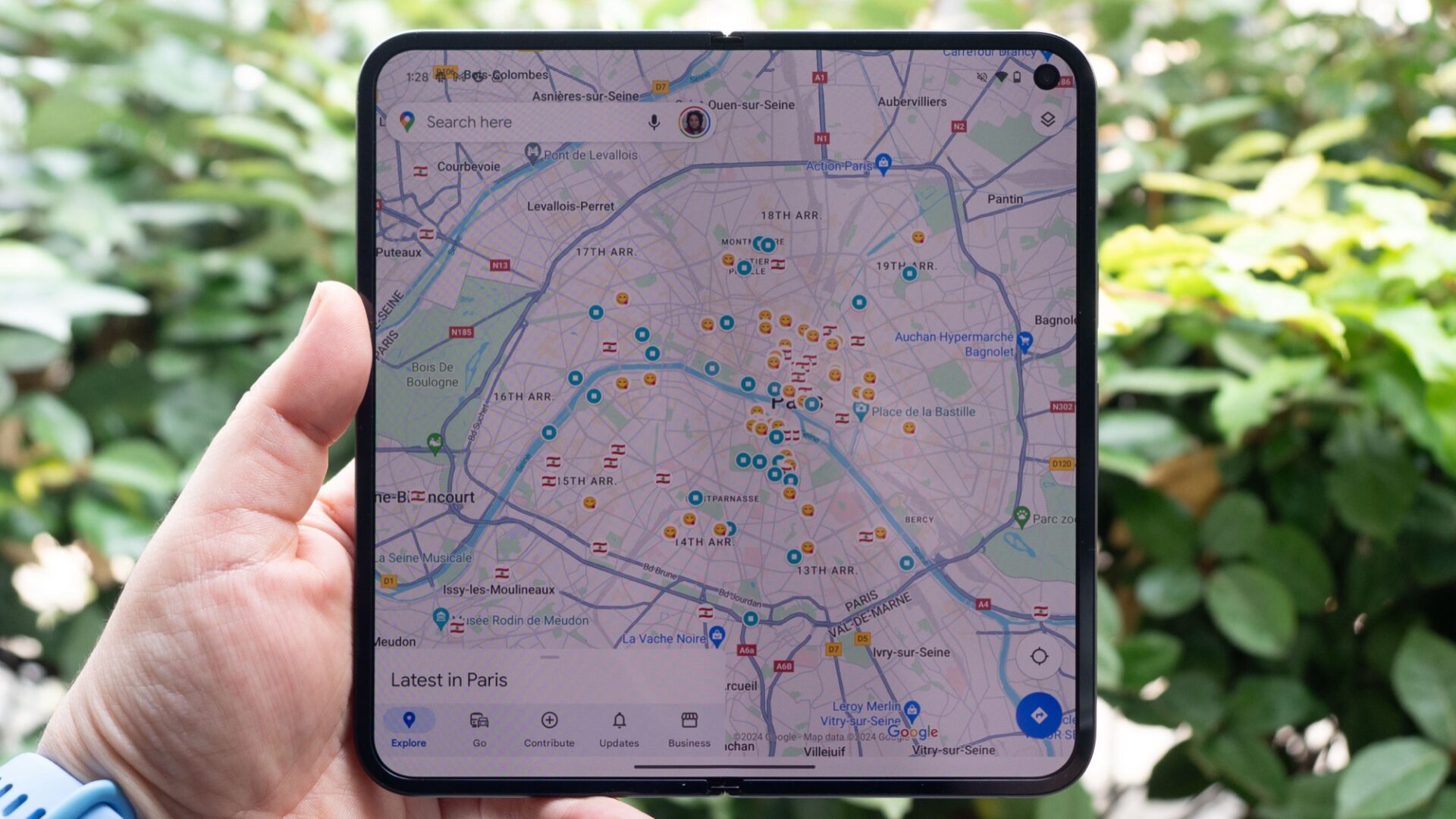
The issue came to light when Google Maps users noticed their timeline data had vanished without explanation. As it turned out, this was not related to the ongoing updates Google was making to the Maps Timeline, which added to the confusion and frustration among users. A statement from Google clarified that a technical issue was to blame for the lost data, affecting a specific subset of Google Maps users.User Reactions and Google's Response
The response from affected users ranged from frustration to devastation, as many relied on the Google Maps Timeline for personal and professional reasons. Google's communication to users did not include an apology, instead focusing on technical explanations and potential remedies for those with encrypted backups.Google's Non-Apology and Steps for Data Recovery
Google issued a statement explaining that the data deletion stemmed from a brief technical glitch, which has since been resolved. For users with encrypted backups, there is a possibility to restore their timeline data by following specific steps provided by Google. However, for those without backups, the data is unfortunately irretrievable.How to Restore Your Google Maps Timeline Data
For users looking to recover their lost timeline data, Google advises:- Check for Encrypted Backups: Users who have encrypted backups enabled might restore their data.
- Update Google Maps and Access Backup: Ensure your Google Maps app is up-to-date and use the cloud icon within the timeline feature to import your backup.
Upcoming Changes to Google Maps Timeline
Google is set to make further changes to the Maps Timeline by May 18, which will require users to update their settings to prevent data loss. These changes aim to enhance the functionality of the Timeline across multiple devices but also pose a risk for data deletion if not managed correctly.Advice for Google Users
To minimize the impact of such incidents in the future, users are encouraged to:- Regularly update apps and enable automatic updates.
- Maintain regular backups, preferably encrypted, to secure cloud services.
- Stay informed about changes to service terms and features, especially those involving data storage and privacy.