Apple has long established itself as an innovator in the tech industry, consistently pushing the boundaries of what its devices can do. However, its built-in Calendar app has often lagged behind, with minimal updates and enhancements over the years, despite the availability of more dynamic alternatives like Google Calendar and Fantastical. This trend, it seems, is on a path of change with the latest iOS updates, especially with the advent of iOS 18.3.
A Fresh Perspective on Scheduling
The integration of the Reminders app with the Calendar in the iOS 18 version was a significant stride, offering a unified platform for managing tasks and schedules. This enhancement allows users to create, edit, and manage reminders directly within the Calendar app, streamlining productivity and user interaction. Although currently limited in customization—users cannot select specific reminders lists to display—the functionality marks a pivotal step in Calendar's evolution.Design and Usability Enhancements
Alongside functional integrations, iOS 18 introduced notable design and usability improvements. A refreshed interface featuring refined typography and user interface enhancements, coupled with a new Month view that details event information, have made the Calendar app more intuitive and appealing. These changes might seem modest but represent some of the most substantial updates to the Calendar app in recent memory, signaling a renewed focus from Apple on enhancing its native apps.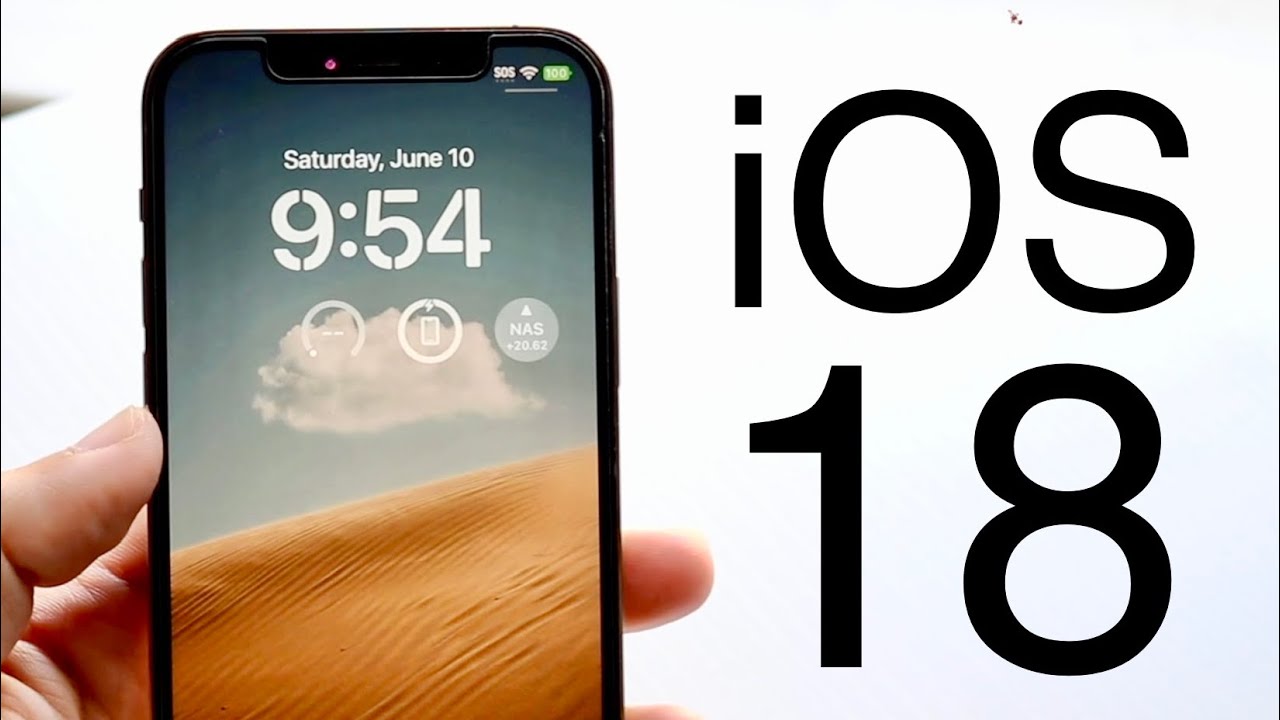
iOS 18.3: Leveraging Visual Intelligence
The latest update, iOS 18.3, brings an intriguing feature to the iPhone, particularly those models equipped with the Camera Control capability. The introduction of visual intelligence takes the utility of the iPhone camera a notch higher, transforming it into an AI-powered tool that can interact with real-world information.Bridging the Digital and Physical Worlds
With visual intelligence, users can point their iPhone cameras at a flyer, poster, or any sign containing a calendar date, and iOS 18.3 will offer to add this event directly to their Calendar. This feature not only enhances the practicality of Apple’s Calendar app but also encourages users to engage more deeply with Apple's ecosystem, given that iOS does not allow changing the default calendar app.